Index.
- Introduction.
- Firewall generic setup.
- Firewall Policy.
- Firewall NAT.
- Forwarding.
- Modules loading.
17-Jun-2011: initial release.
10-Aug-2011: added modules loading.
28-Jul-2012: updated modules loading.
05-Jan-2013: adjusted for Slackware.
18-Jan-2013: manual modules loading
Introduction.
Our simple home server needs a firewall for two reasons. First, we must stop all traffic coming from the Internet, but not the traffic that we want to get in such as for a web server. Second, we need to translate the IPv4 traffic coming from the client computers who have private IPv4 addresses, to the external public IPv4 address. Reply packets need to go back and translated to the right clients. This is called Network Address Translation, in short NAT. For Linux we have the netfilter firewall that can do all these things for us. It consists of a lot of kernel modules and some command line tools that manipulate the firewall settings. A good starting point to find more information is www.yourwebexperts.com and a good book about this subject is Policy Routing with Linux written by Matthew G. Marsh.
A good graphical tool to maintain your firewall is Firewall Builder. The good thing about this program is that it can manage all your firewalls from one single setup. So if you change something in one host that affects other hosts, then all other hosts will be changed too. Firewall builder will download the new rules to all affected hosts.
You should install Firewall builder on your Linux workstation and not on your home server. On Slackware Linux you must build and install it. It is a good thing to make sure that your Linux workstation with firewall builder has a fixed IP address so that you can take advantage of always allowing your workstation to access the hosts you will manage with firewall builder.
Firewall builder writes (if you turn it on) which kernel modules to load. This is a bit simple and will load all conntrack and nat modules that it can find. You should not do this on servers that do not do NAT but only forward traffic. You can better load modules by editing /etc/rc.d/rc.modules.
I have created a Slackbuild package called firewall that installs the /etc/rc.d/rc.firewall that the standard Slackware init scripts will pickup and run. The script I wrote looks for /etc/rc.d/<fqdn>.fw to start and stop the firewall. Firewall Builder can create the right script name.
Firewall generic setup.
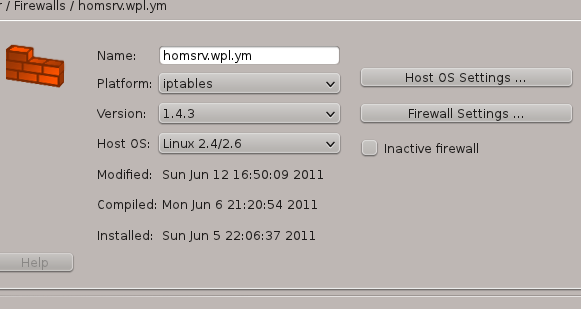
Firewall Home Server settings
I will not tell you how to work with Firewall Builder, there is enough information on the official website. I will just show how to configure it for our home server. Because there is no nice way to provide a listing of generated rules, I will show the screenshots about the rules.
First give your firewall a meaningful name and create a host. The host should have the official internal name, homsrv.wpl.ym like in our example from the network setup. Then, set the Platform to iptables and the version to 1.4.4 or later.
The following screens shows the Host OS settings and Firewall settings for this host.
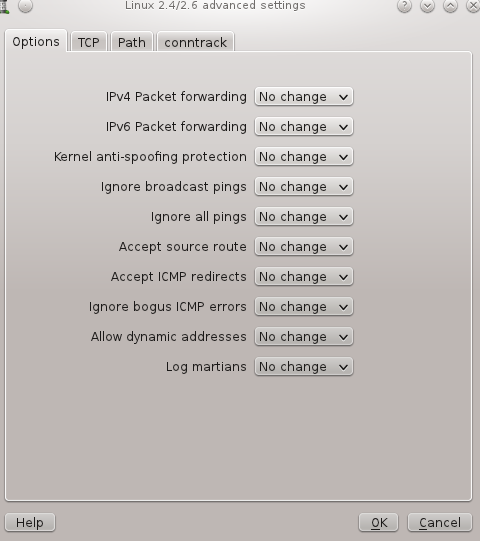
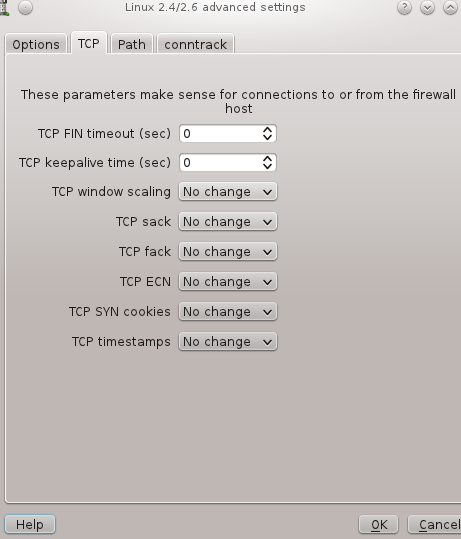
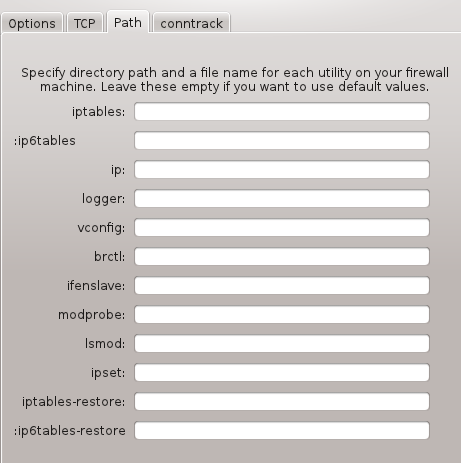
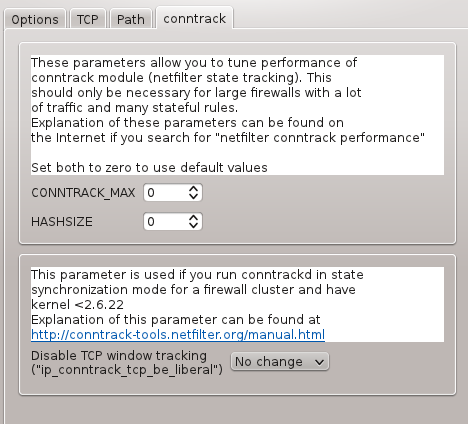
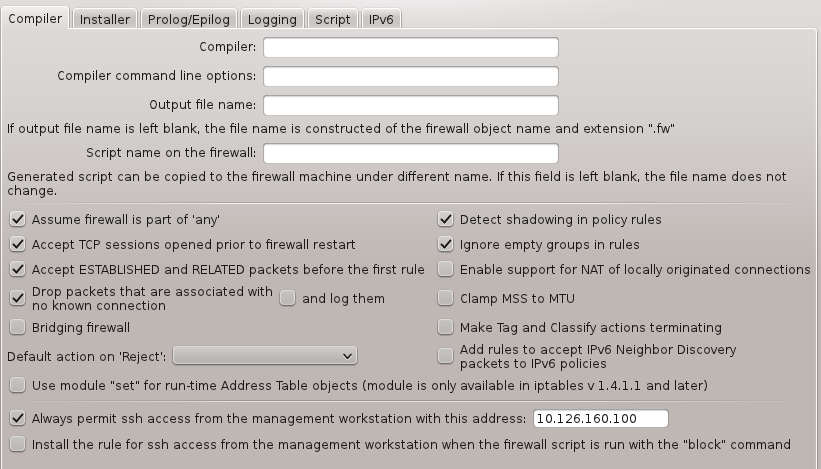
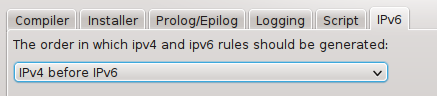
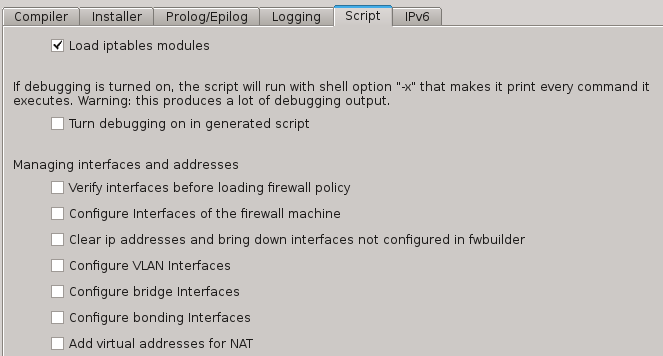
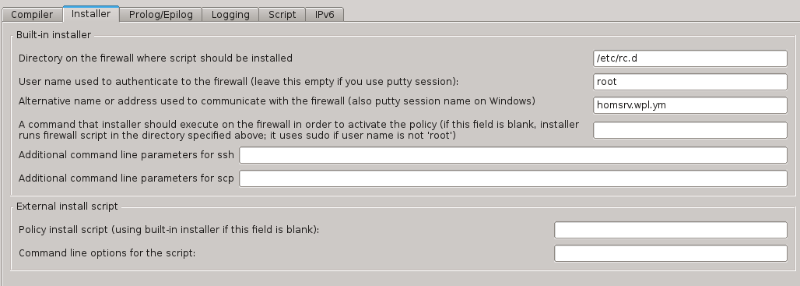

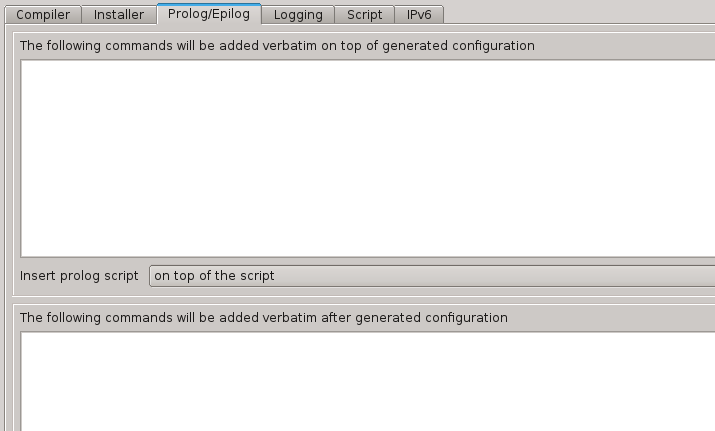
Next, the settings for eth0 and eth1.
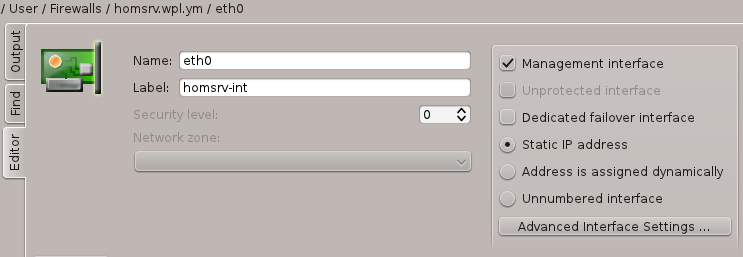
Home Sever eth0
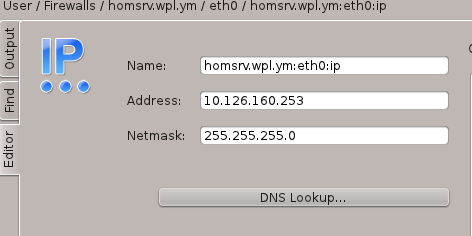
Home Server eth0 IPv4
In the image on the left you see that the label is set to homsrv-int. This is simple the hostname plus the function of the interface. Doing it this way will prove it’s use when we later have a more complicated firewall with several hosts. The interface is marked as the Management interface, you should mark one interface as Management interface, because that is where our firewall upload comes from. The image on the right shows the IPv4 settings. Not that later these interfaces were renamed to lan0 and wan0, but since it doesn’t hurt the story, I didn’t change it here.
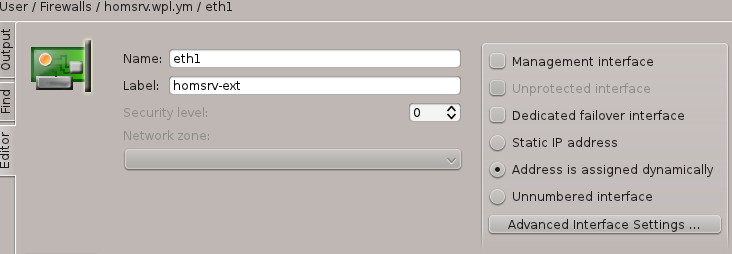
Home Server eth1 interface
Left is the setting of the outgoing interface eth1.
Firewall Policy.
Below you see a screen dump of the installed policy.
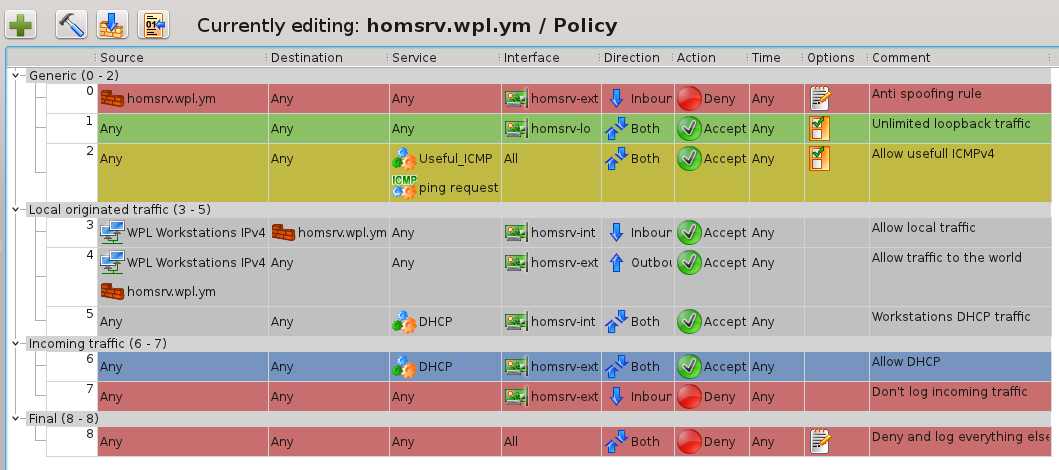
Home Server Policy rules
The policy is grouped in 4 parts. The first part, “Generic”, shows generic the rules we use in all firewalls, anti spoofing, unlimited loopback traffic and allow ping.
The next group is “local originated traffic”, this is traffic coming from the workstations or the firewall itself. Here you need a DHCP rule, allow all traffic doesn’t cover the DHCP broadcast traffic.
The third group is “incoming traffic” from the Internet. We allow DHCP because the external interface uses DHCP. Then we block all incoming traffic without logging. You could be more selective here if you want to see some hacking attempts. With this setup you will see nothing.
The “final” group is a catch all rule, just log anything we have missed. This one gives you the information about things you forgot to add to your firewall.
Firewall NAT.
Below you see a screen dump of the NAT rule.

Home Server NAT rule
There is just one rule, all traffic from the workstations network not going to our own network will be translated to look like coming from the address of the external network interface. Because the external interface is marked dynamic, the Firewall Builder script will generate a masquerade rule.
Forwarding.
Our Home Server needs packet forwarding (and routing rules). If you make the file /etc/rc.d/rc.ip_forward executable (chmod 755) then forwarding will be enabled when the system boots. The routing rules are setup by the default network behavior and NAT rules in the firewall.
Modules loading.
On Slackware we load the needed modules in /etc/rc.d/rc.modules. There is a commented section in this file, but that section is a bit outdated. Just place a new section somewhere at the bottom:
# Firewall modules.
/sbin/modprobe nf_conntrack
/sbin/modprobe nf_conntrack_ftp
/sbin/modprobe nf_conntrack_irc
/sbin/modprobe nf_conntrack_h323
/sbin/modprobe nf_nat_ftp
/sbin/modprobe nf_nat_irc
/sbin/modprobe nf_nat_h323
This set of modules will give you a reasonable set to start with.